9 Techy Tools for Seniors to Stay Connected, Manage Health, and Learn More

Technology is ever-present in today’s ‘digital age,’ and it’s become a vital part of our daily lives and the way we communicate. While older adults may have once shied away from new gadgets and apps, recent statistics suggest that they are now embracing them in a big way. In fact, according to a Pew Research study, 53% of adults over the age of 65 use the Internet. With more seniors using technology than ever before (and, as tech continues to evolve) exploring the range of apps and gadgets out there is a pretty practical first step to applying them to your own life. So, if you or a loved one are among that rising 53%, then this article is for you! Let’s talk about 9 techy tools for seniors to stay connected, manage health, and learn more!
1. Video Call Apps

Keeping in touch with family and friends is essential, especially for older adults who may not get out as much as they used to. One of the best ways to stay connected is by using video call apps! Seniors can use these apps to communicate face-to-face with their grandkids, friends, and family members – even if they’re thousands of miles away. Video chatting tools are easy to use, and they provide a great way for seniors to stay connected and see their loved ones’ faces. Here are some of our favorite platforms to help you get started:
- Zoom
- Facebook Messenger
- Skype
- Video Call Using Your Cell Provider Network – If want to make a video call, go to the contacts screen and locate the person from your contacts list. Alternatively, you can use the search box to type in their name. Once you have found the contact, tap their name, followed by the video icon, and then click Start Video to initiate the video call.
2. Medication Management
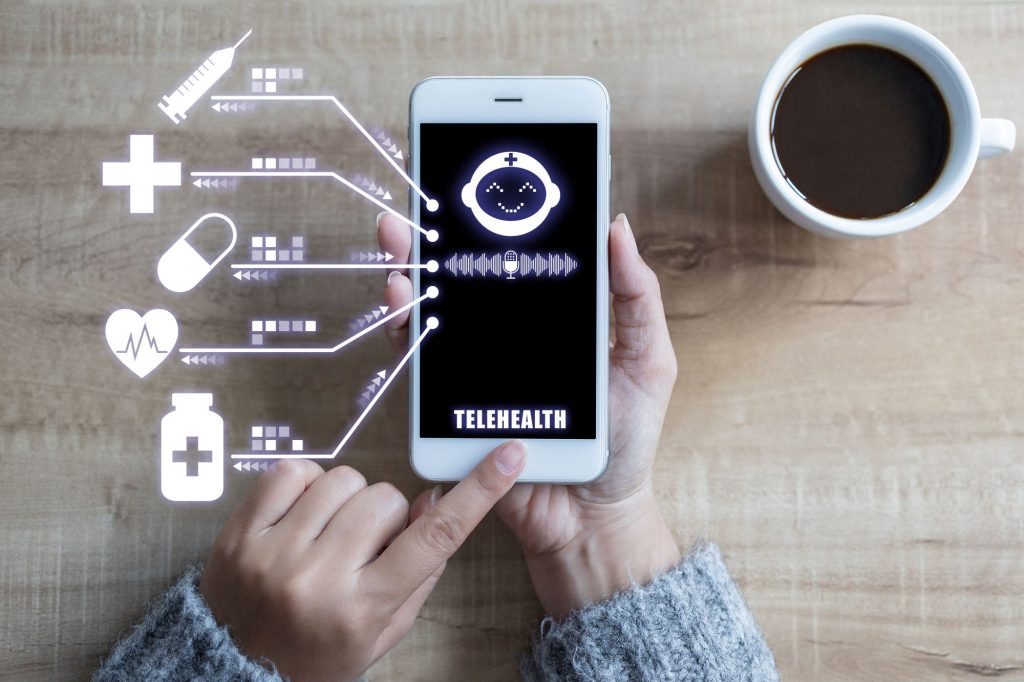
Medication management can be a hassle, especially for seniors who take multiple medications at different times of the day. Taking the wrong medication or skipping a dose can have serious consequences. This is where medication management apps come in handy! There are several apps that can simplify the process of tracking, reminder alerts, and even refill requests. Here are a few popular options to look into:
3. Fitness and Nutrition Trackers

Staying active and maintaining a healthy lifestyle is so important, yet it can be challenging to monitor progress and set goals without the right tools. There are many fitness-tracking apps that seniors can use to monitor daily activity levels, track metrics (like heart rate or sleep patterns), and even compete with other users. We like these fitness and nutrition tech devices:
- Fitbit – Fitbit is a popular brand of wearable fitness trackers that enable users to monitor and track their physical activity throughout the day. These devices come equipped with various sensors that can detect movements such as walking, running, cycling, swimming, and more. By tracking your activity levels, Fitbit allows you to set goals and track your progress towards them. Fitbit devices can also monitor sleep patterns, heart rate, and other health-related metrics, providing valuable insights into your overall health and wellness. Additionally, the Fitbit app allows users to connect with friends and family to compare stats and engage in friendly competition, thereby fostering a sense of community and motivation to stay active and healthyh
- Apple Watch – The Apple Watch is a popular smartwatc. It comes equipped with a variety of features, including fitness tracking, messaging, phone calls, and mobile payments. Users can customize watch faces and bands to match their individual style, and there is an extensive collection of apps available through the App Store that can be used on the Apple Watch. With its advanced sensors and health monitoring capabilities, the Apple Watch provides users with valuable insights into their physical activity levels, heart rate, and other health-related metrics.
- Jawbone UP – Jawbone UP is a wearable fitness tracker that is designed to help users monitor and track their physical activity throughout the day. It comes equipped with sensors that can detect movements such as walking, running, cycling, and swimming. Additionally, the Jawbone UP can monitor sleep patterns, heart rate, and other health-related metrics.
- MyFitnessPal – MyFitnessPal is a popular mobile app and website that is designed to help users monitor and track their daily calorie intake, as well as their physical activity levels. The app allows users to log the foods they eat throughout the day, providing detailed nutritional information about each item. Users can also set daily calorie goals and track their progress toward these goals. MyFitnessPal also offers a comprehensive database of exercises, allowing users to track their physical activity and daily steps.
- Strava – Strava is a social fitness network and mobile app that allows users to track their physical activity, such as running and cycling. The app uses GPS technology to map and record routes, distances, and speeds of each activity. Strava allows users to set goals, challenge friends, and compete with other users on segments – specific sections of a route. The app also provides users with detailed analytics and insights into their performance, including heart rate, elevation, and calories burned.
4. Transportation Apps

For many seniors, driving can become more challenging or less feasible as they age. Fortunately, there are many transportation apps available that can help seniors get around safely and easily. Apps like Uber and Lyft allow seniors to book rides on-demand, while apps like GoGoGrandparent provide a more personalized service geared specifically toward older adults.
5. Brain Games and Educational Apps

One of the best ways to stay mentally sharp as you age is by playing brain games and using educational apps. These apps can help improve cognitive function and memory. Start with these:
6. Smart Home Tech
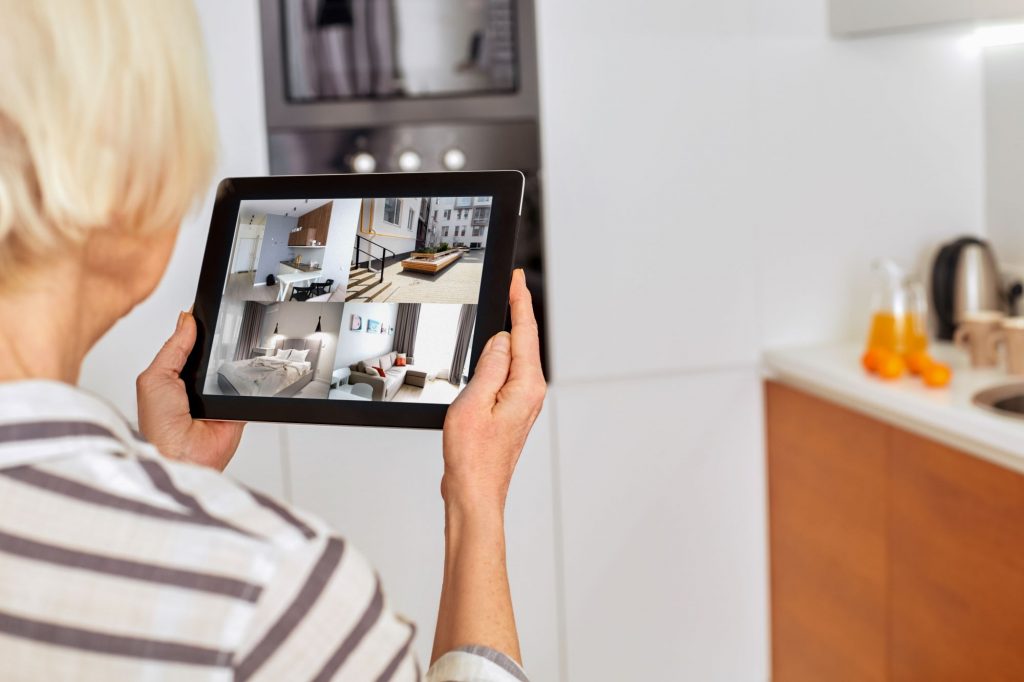
Smart home technology has made life easier and more convenient for everyone, and seniors are no exception. With devices such as smart speakers, smart thermostats, or smart doorbells, you can control your home environment, access information, and stay connected without leaving your home. For instance, a smart speaker such as Amazon Echo or Google Nest can play music, answer questions, and set reminders, providing a hands-free and voice-activated experience. A smart doorbell such as Ring can alert you when someone is at the door, allowing them to see and speak with visitors remotely.
7. Social Media

Social media platforms such as Facebook, Twitter, and Instagram have become part of our daily lives, and they can also be useful tools for seniors who want to connect with like-minded people, join groups, or share their stories. These platforms can offer a sense of community, support, and entertainment, allowing seniors to stay active and engaged with the world. Moreover, they can be a great way to reconnect with old friends, stay updated on news and events, or plan social activities.
8. Digital Notepads

Apps like Evernote are excellent for seniors who need to jot down notes, make to-do lists, and keep track of important information. Users can even take a photo of a handwritten note and upload it to their account for easy access. This can be a helpful tool for seniors who have trouble with memory or organization and need a simple, intuitive way to keep track of things.
9. Online Learning

Many seniors are using technology to learn new skills and expand their knowledge. There are many online learning platforms available, such as Coursera and Udemy, that provide access to thousands of courses on a wide range of topics. Whether it’s learning a new language, taking a cooking class, or gaining new professional skills, these platforms provide a convenient and affordable way to continue learning and growing.
Need Something Else?

Popular Articles About Senior Tech and Apps
Originally published January 03, 2025
Author(s):